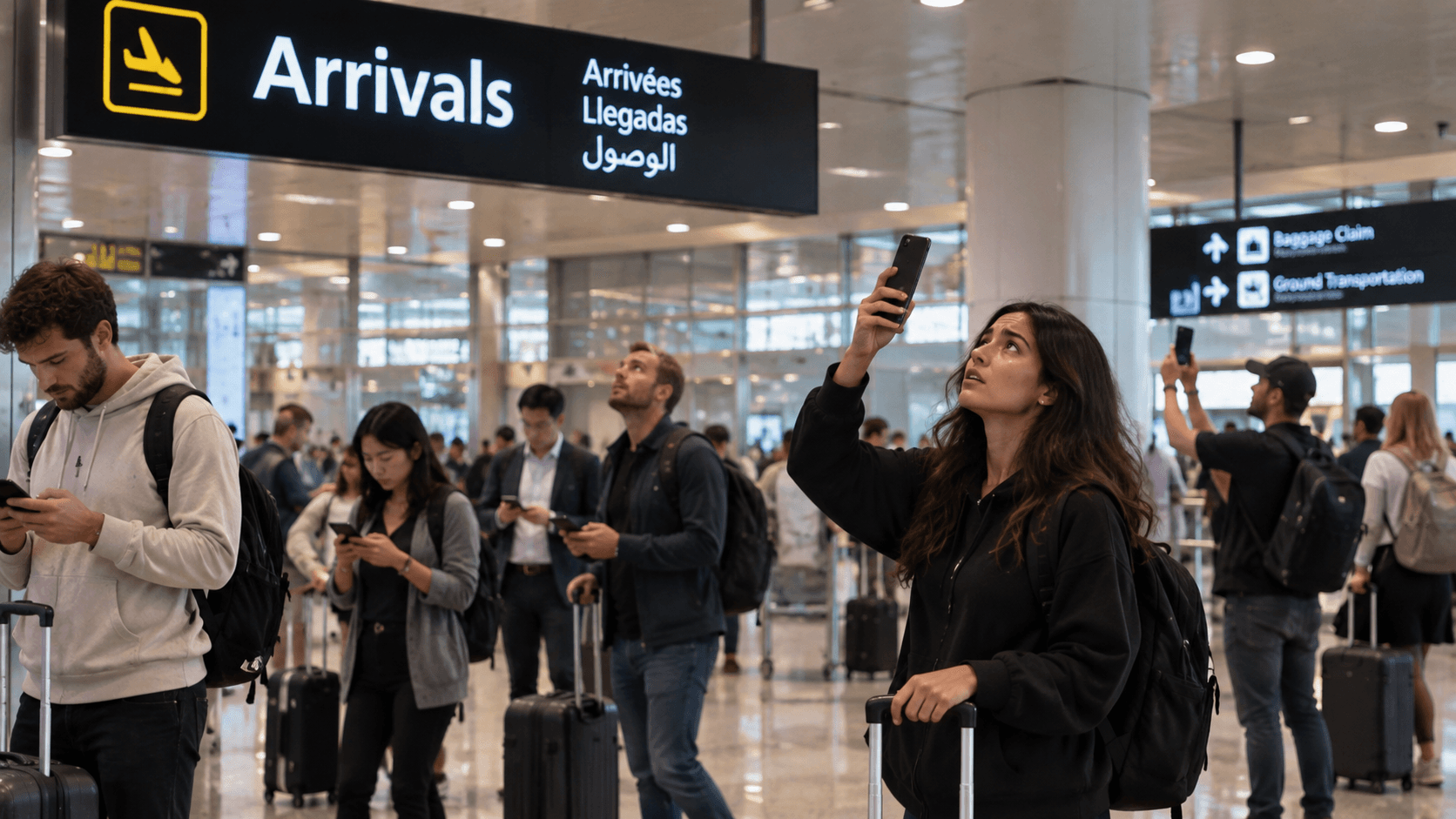

Landing is the one moment in a trip when you most need the internet and are least likely to have it. Your carrier may or may not work, the airport Wi-Fi is drowning under the arrivals of three hundred other people, and the taxi queue is moving.
The fix is entirely front-loaded. None of it happens at the airport.
The night before you fly
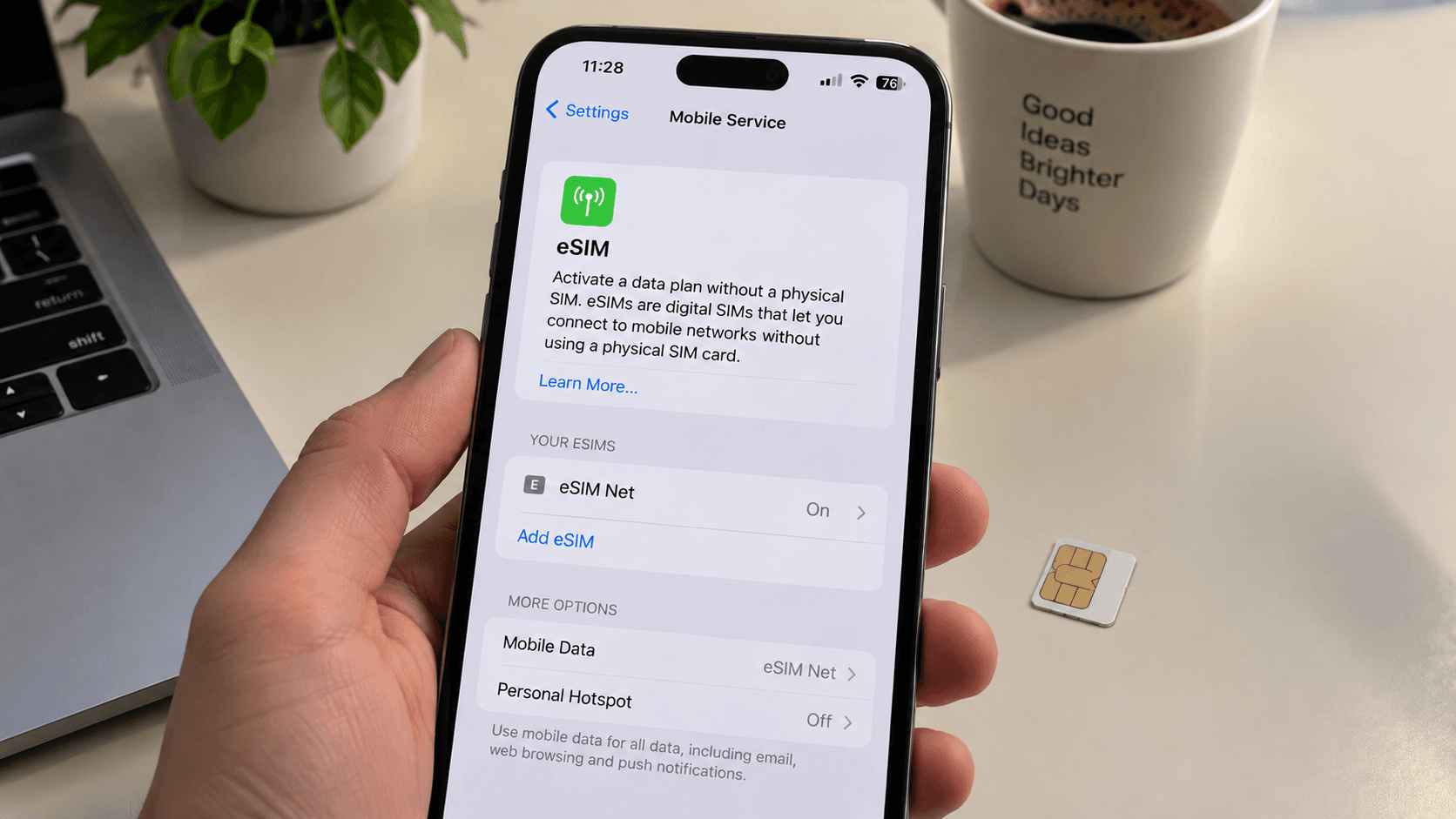
- Install your eSIM. Over Wi-Fi, at home, with a laptop nearby if something goes wrong. Do not activate it yet. iPhone · Android
- Download offline maps for the whole destination area, not just the city centre.
- Screenshot the essentials. Accommodation address in the local language, booking reference, the confirmation email. A screenshot needs no connection and no app.
- Download entertainment for the flight. It is also the cheapest data you will ever use.
- Check the arrival transport. Which train, which exit, roughly how much a taxi should cost.
On the plane, before landing
Do this while still in airplane mode, in the ten minutes before descent:
- Turn data roaming off on your home line. This is the step that prevents an expensive surprise. Your phone will reconnect the instant airplane mode ends.
- Turn your travel eSIM line on, with roaming enabled for that line.
- Set the travel line as your mobile data line.
- On iPhone, confirm Allow Cellular Data Switching is off.
All of that is available in airplane mode. When you switch it off after landing, the phone registers on a local network and you are simply online.
At the gate
Give it a minute. A first registration on a foreign network is not instantaneous, and walking down a jet bridge inside a metal tube does not help. If there is nothing after a few minutes, toggle airplane mode once.
If it still will not connect, the troubleshooting order is here — and the first rule is not to delete the profile.
What to skip
- The SIM card counter. Queues, passport registration, an inflated tourist rate, and you lose your own number.
- Airport Wi-Fi, unless you are sitting down for a long layover. Why it fails exactly when you need it.
- Airport currency exchange, while we are on the subject of things priced for people with no alternatives.
A five-line checklist
- eSIM installed at home, not activated yet.
- Offline maps downloaded.
- Address screenshotted, in both languages.
- Home line roaming off before airplane mode goes off.
- Travel line on, set as the data line.