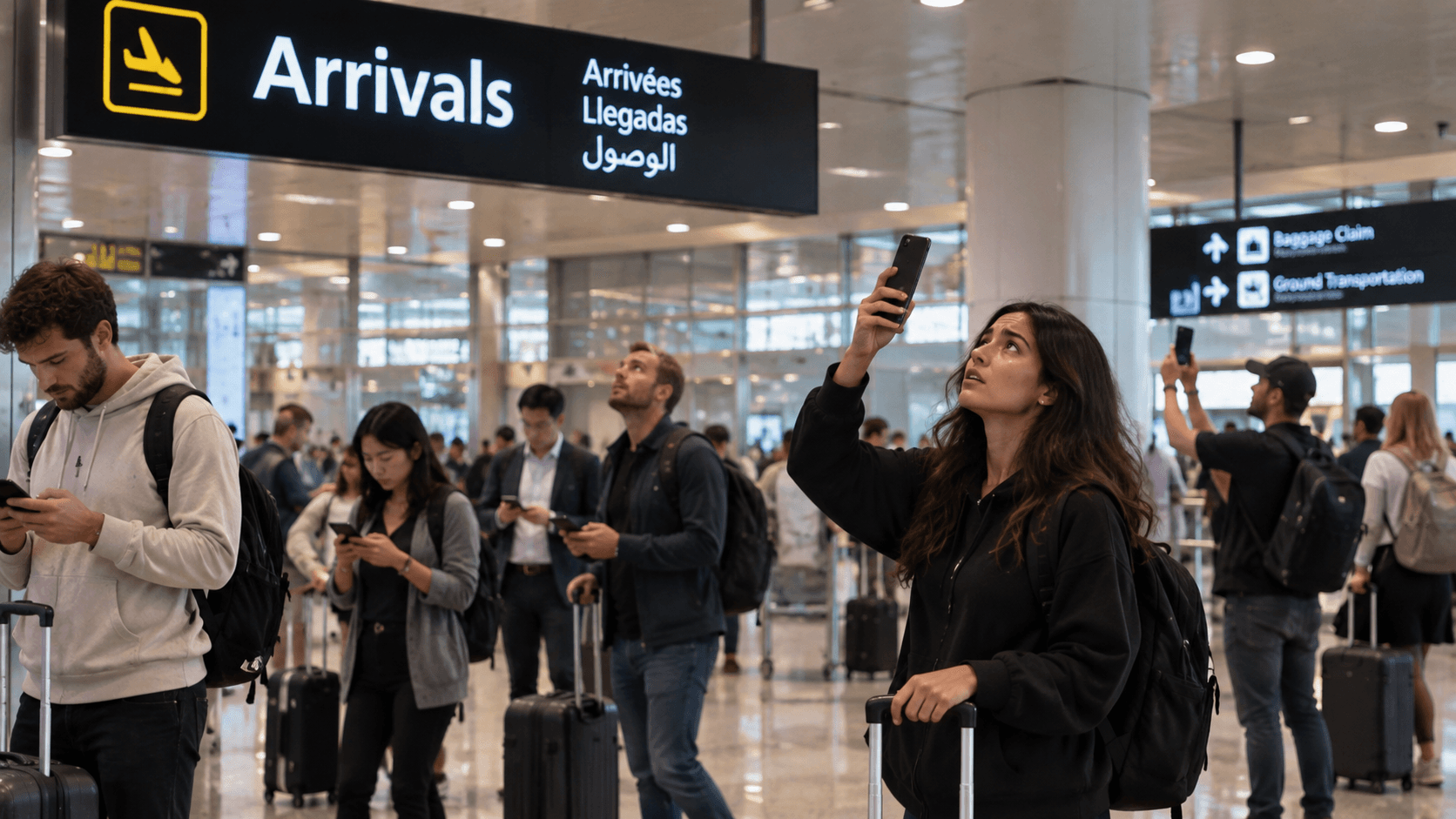
Airport Wi-Fi is the most-used and least-reliable connection in travel. It is free, it is nearly everywhere, and it is at its worst in precisely the twenty minutes when three hundred people who have just landed all reach for their phones at once.
Why it struggles
An airport network is built for average load, not for arrival spikes. A single arriving aircraft can put several hundred devices onto a handful of access points in the same corridor within a minute. Everything still connects; almost nothing loads.
Arrivals areas are also the least well served part of most airports. Investment goes where people spend money — departures, lounges, retail — and the corridor between the aircraft and passport control is not that place.
The captive portal problem
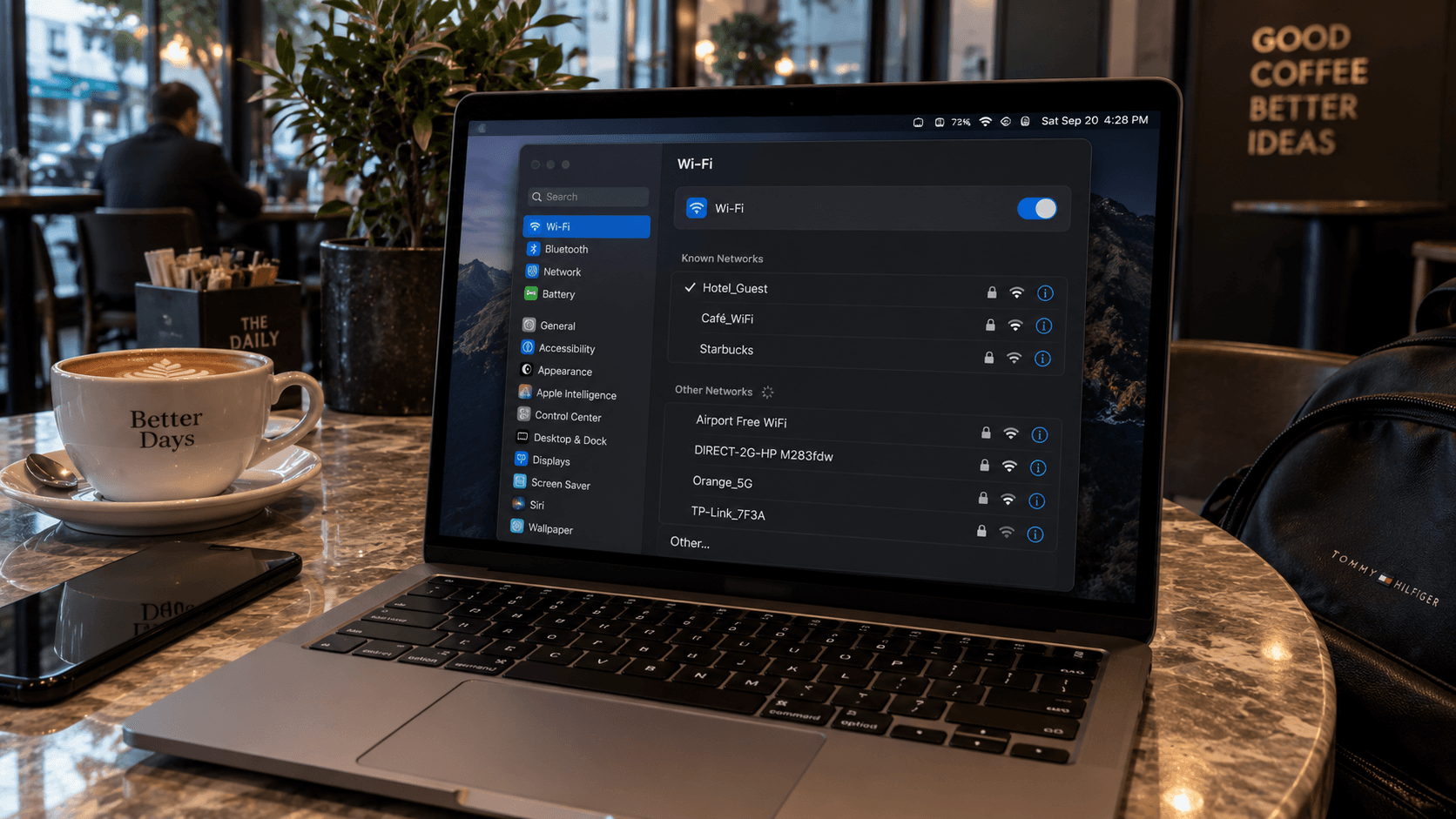
Most free airport Wi-Fi puts a sign-in page in front of the internet. Your phone joins the network, shows full bars, and nothing works until you accept the terms, watch an advertisement, or enter an email address.
- The page does not appear. Open a browser and visit any plain
http://address to force it. Modern sites redirect to HTTPS, which portals often cannot intercept. - It wants an email or a phone number. Some portals send a verification code by SMS — which is unhelpful if you are relying on Wi-Fi because you have no signal.
- It wants a boarding pass number. Common in Asia and the Middle East. Have it ready.
- The session expires. Thirty to sixty minutes is typical, sometimes once per device per day.
Is it safe
Safer than it used to be, because almost all web traffic is encrypted now. The residual risks are worth knowing: networks named to look official but run by somebody in the terminal, and portals that ask for more personal detail than a Wi-Fi session needs.
Practical rules: check the network name against airport signage, never enter payment details on a captive portal, and set your phone not to auto-join open networks. More on what public Wi-Fi actually exposes.
What airport Wi-Fi is good for
- Checking a booking reference while you wait for a bag.
- Messaging the person collecting you.
- A long layover, sitting down, near a socket.
What it is not good for is the part that actually matters: walking out of the terminal and finding your way to where you are staying. That happens while moving, outside the building, usually in a taxi queue.
The alternative
Arrive with data already working. An eSIM installed at home connects to a local network as you come off the plane — no portal, no queue, no thirty-minute limit. What to do in the first hour after landing covers the sequence, and how to install one takes about a minute before you fly.