Work down this list and stop when it works. It is ordered by how often each thing turns out to be the cause, not by how technical it sounds.
Step 1 — Is the line switched on
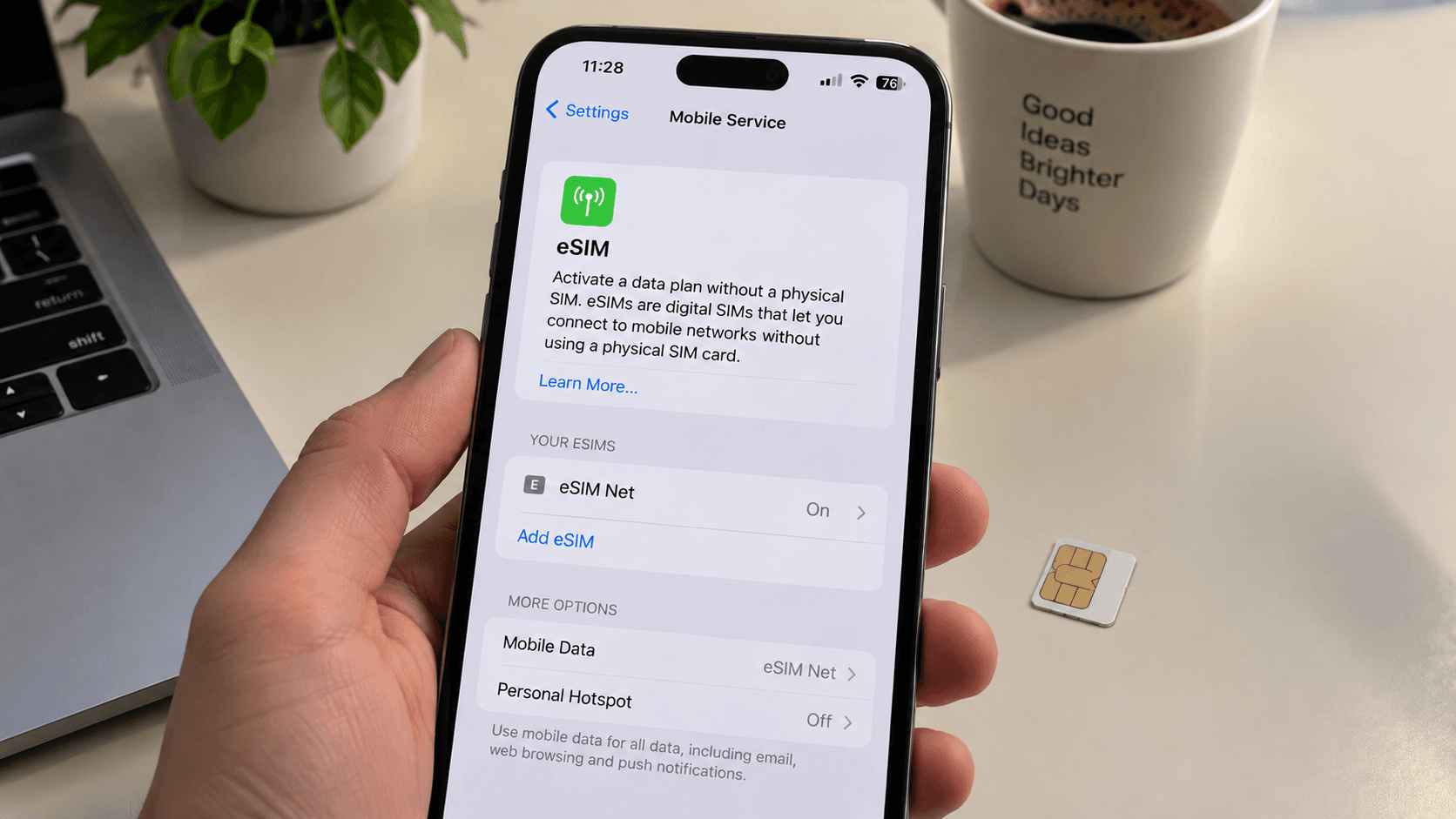
Open your cellular or SIM settings and look at the travel line itself. It is easy to install a profile and leave it off, and the phone gives you no hint that anything is missing.
Step 2 — Is roaming on for that line
A travel eSIM connects through partner networks, so from the phone's point of view it is roaming and it needs permission. Data roaming must be on for the travel line. This is the most common cause of "signal but no internet".
While you are there, turn roaming off for your home line unless your own plan covers the country.
Step 3 — Which line is carrying data
Having two lines means choosing which one the internet runs on. On iPhone: Settings → Cellular → Cellular Data → pick the travel line. On Android: SIM manager → Mobile data → pick the travel line.
On iPhone, also turn Allow Cellular Data Switching off. Left on, the phone will quietly fall back to your home line and roam at full price.
Step 4 — Airplane mode, then a restart
Switch airplane mode on, count to ten, switch it off. This forces a fresh network search. If nothing changes, restart the phone properly — not just lock and unlock it.
Step 5 — Choose a network by hand
Automatic selection occasionally settles on a network the plan does not use. Go to Network Selection (iPhone: Settings → Cellular → your line; Android: the SIM's own settings), turn Automatic off, and pick a network from the list. If the first one does not register, try the next.
Remember to put it back to Automatic before you leave the country.
Step 6 — Check the APN (Android especially)
If you have signal bars but no data at all, the access point name may not have configured itself. Set it manually under the eSIM's Access Point Names; your delivery email lists the value when one is needed.
Specific failures
"This code is no longer valid"
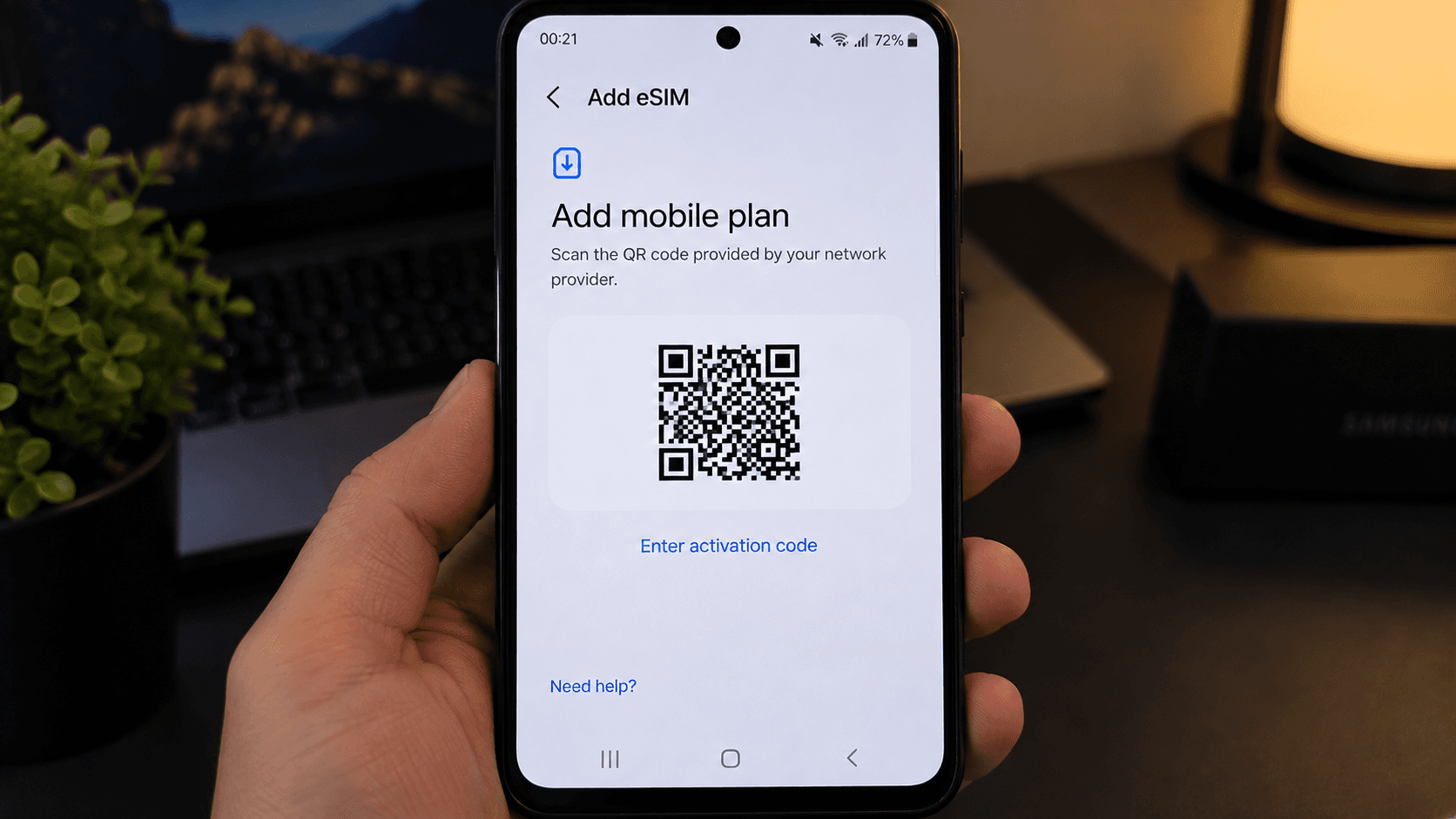
The QR code has already been used. That usually means the profile is installed on this phone or another one — check your existing lines before assuming anything is wrong. Codes are single-use by design.
"Unable to add cellular plan" / "Unable to complete activation"
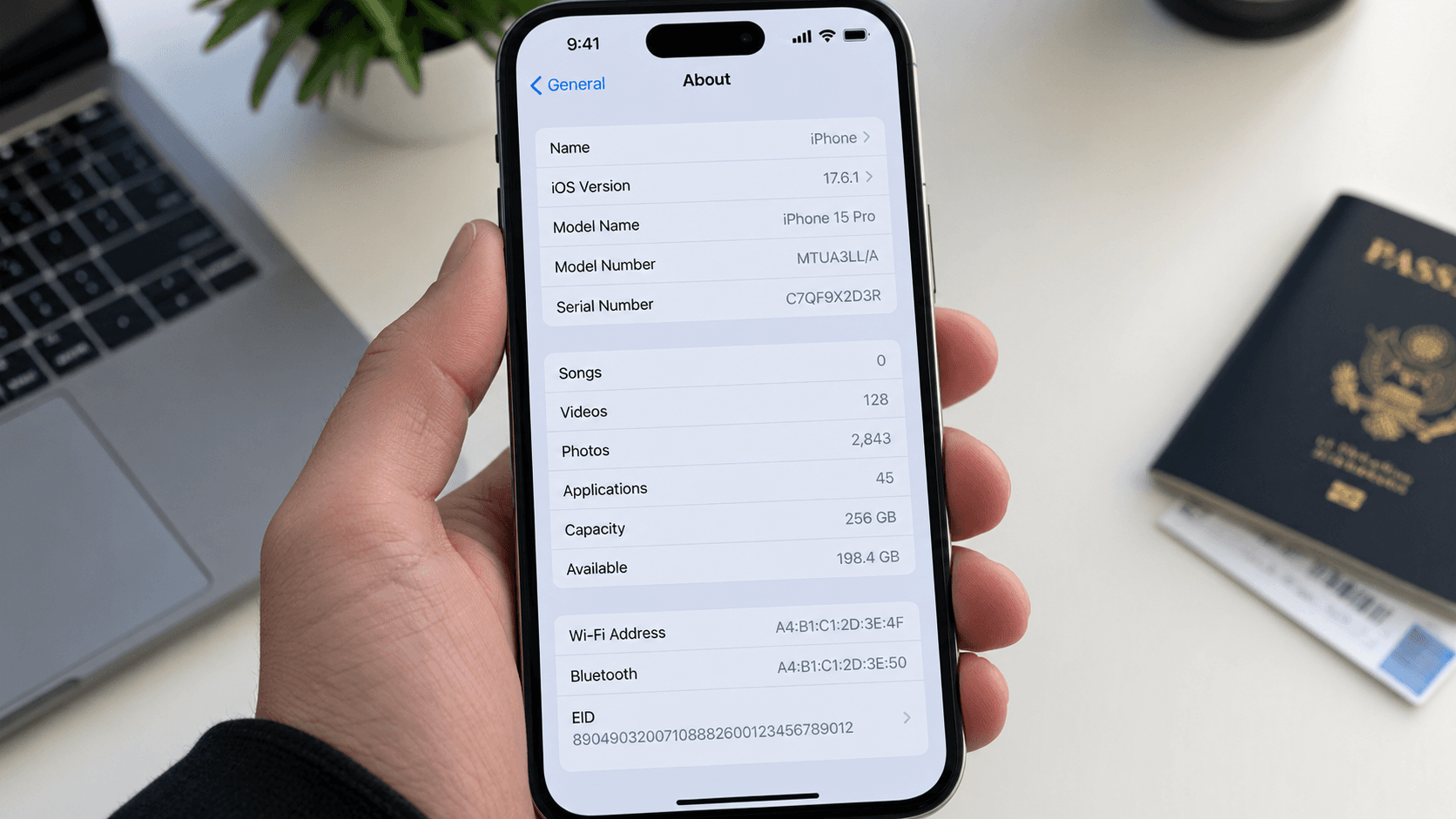
Nearly always a network problem during the download, or a carrier lock. Try again on a different Wi-Fi network first. If it fails repeatedly, check whether the phone is locked.
It worked yesterday and stopped today
Check the remaining allowance first — a plan that has run out behaves exactly like a plan that has broken. You can add more data without reinstalling. Also check the validity period: plans expire on a date as well as on a data total.
No service at all, anywhere
If neither line has service, the problem is the phone rather than the eSIM. If only the travel line is dead after every step above, it is time to ask a person.
When to get help
If you have worked through all six steps and there is still nothing, contact us with your order reference and the exact message the phone shows. Include which steps you tried — it removes a round of questions and gets you a real answer faster.