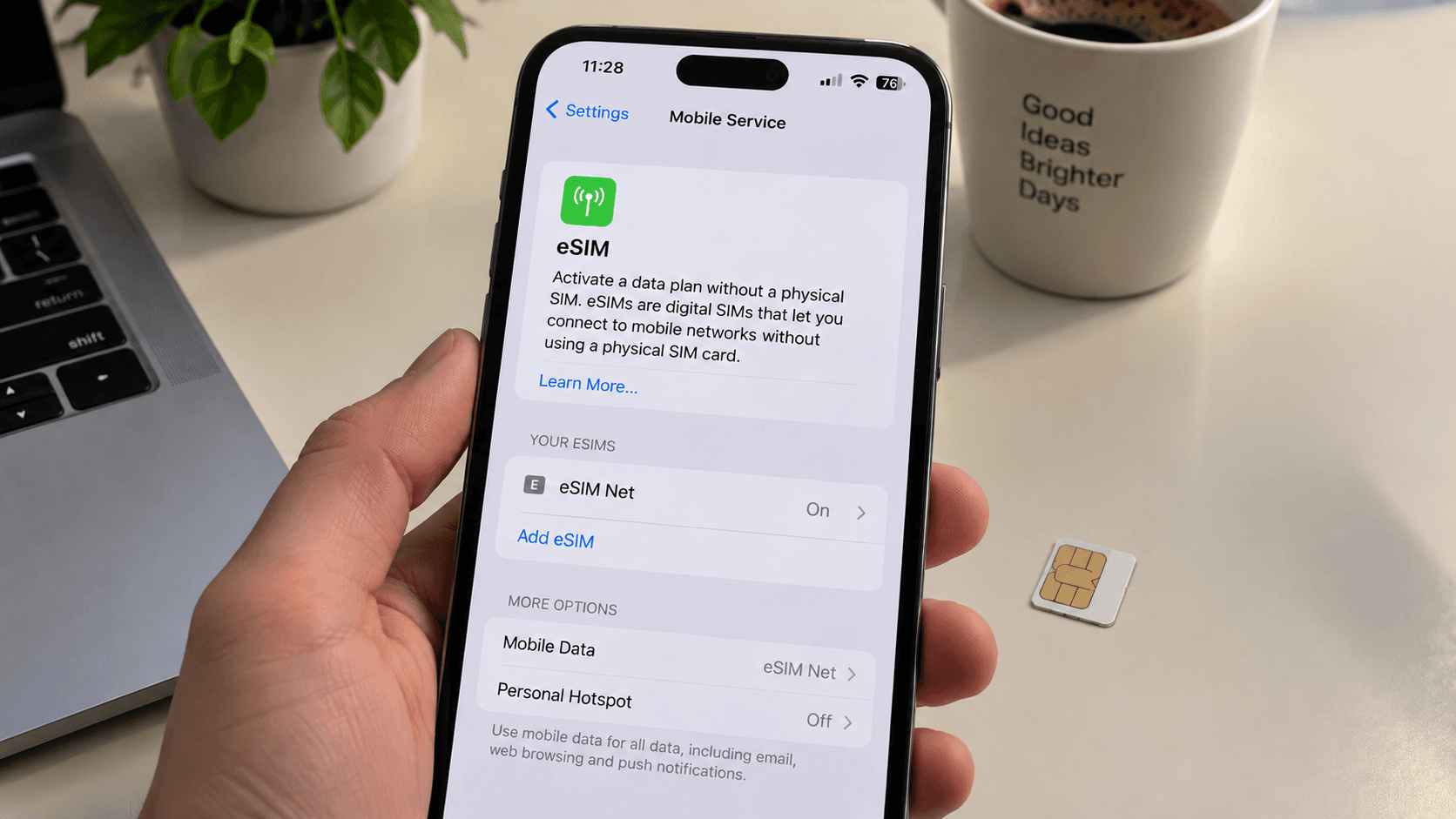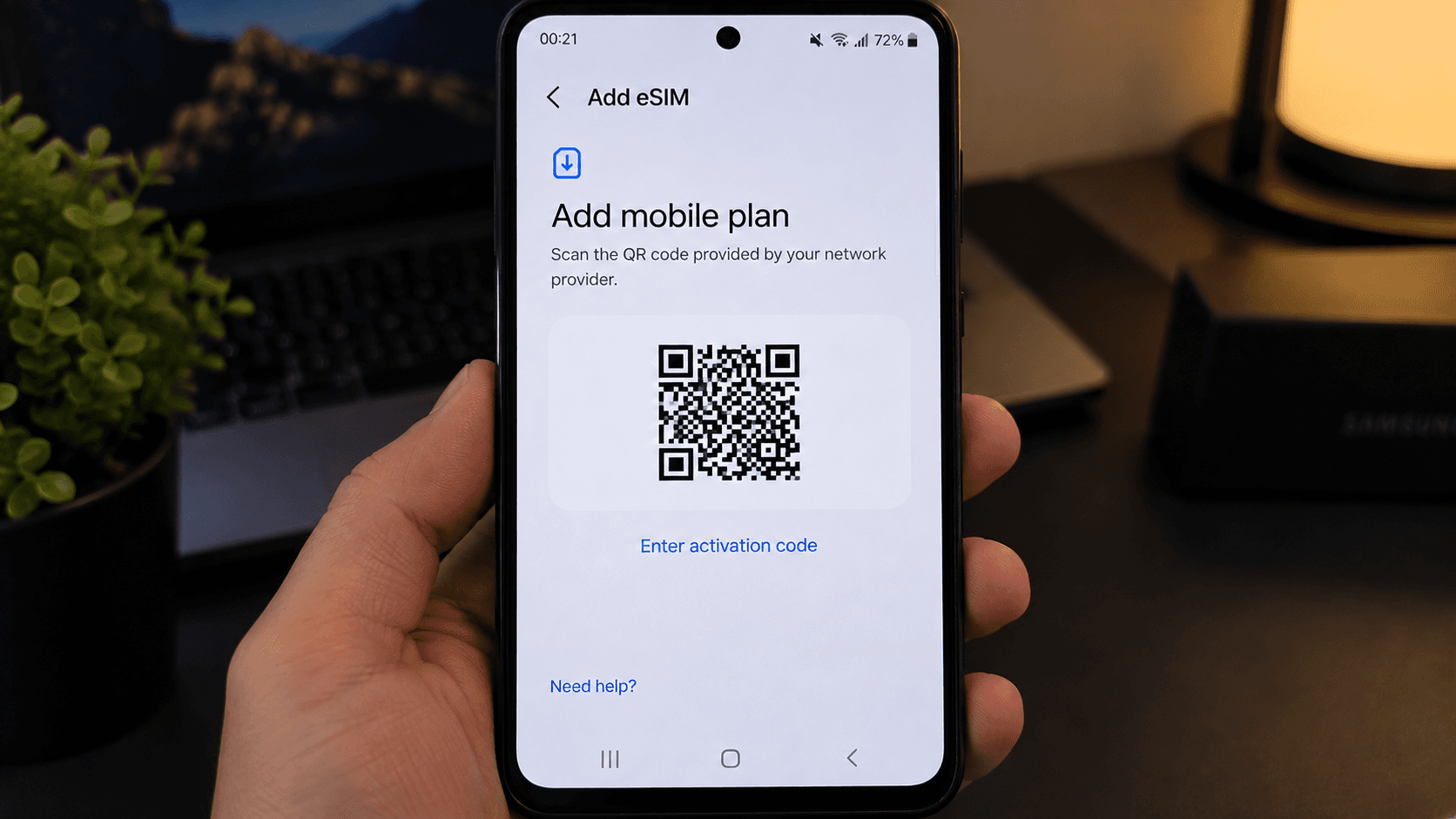
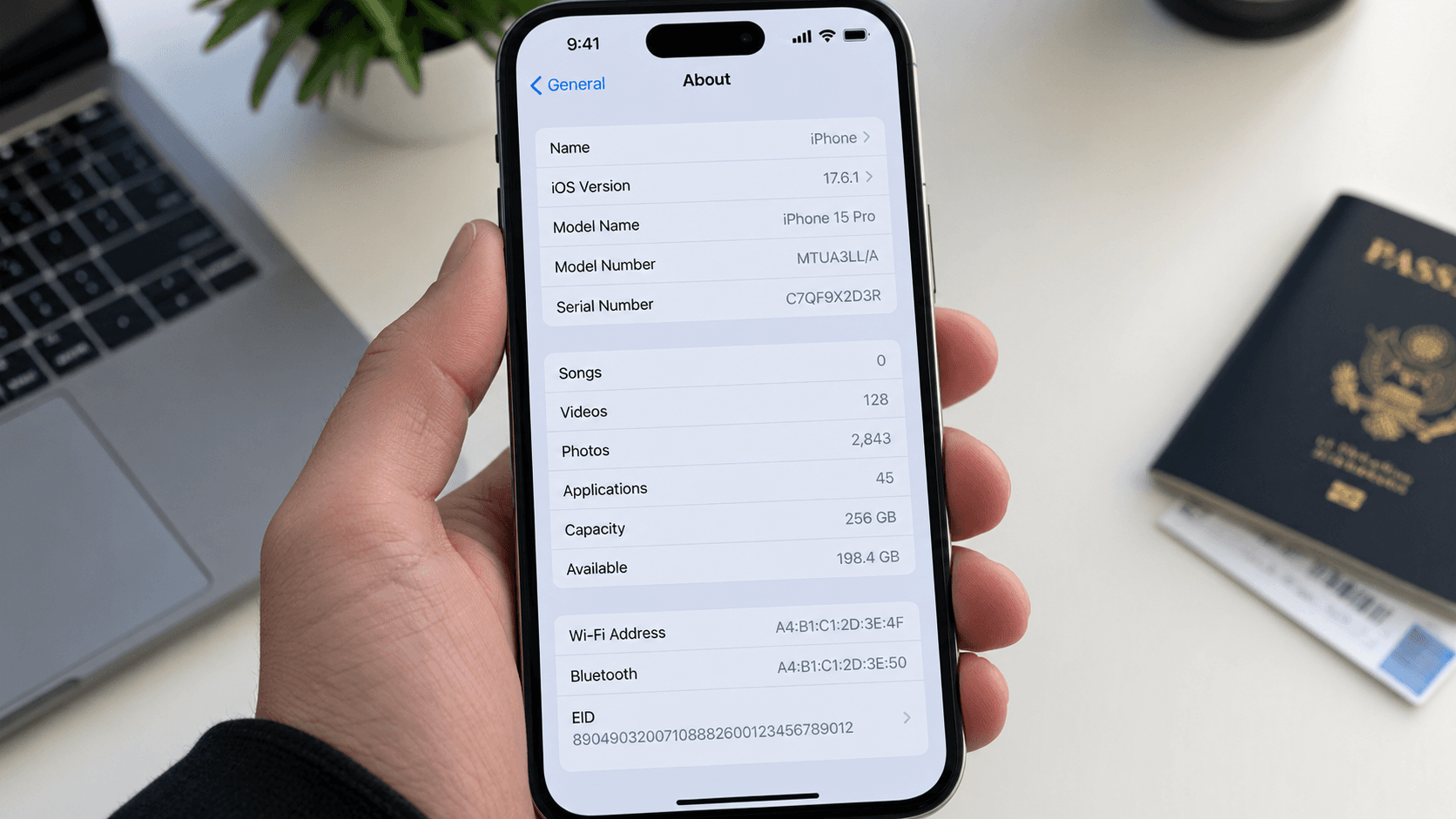
Compatibility lists go stale and rarely cover regional variants. Your phone can answer the question itself, and it will be right.
The definitive test: look for an EID
Every eSIM-capable phone carries an EID — an embedded identity document number, unique to its eSIM chip. If the phone can show you one, the hardware is there.
- iPhone: Settings → General → About, then scroll to EID.
- Android: Settings → About phone → Status (or SIM status), and look for EID. On some builds it is under Settings → About phone → SIM status.
- Either: open the dialler and type
*#06#. If an EID appears alongside the IMEI, the phone supports eSIM.
The second test: is there an Add eSIM option
Open your cellular or network settings and look for Add eSIM, Add data plan or Download a SIM. If the option exists, the phone is ready. This test can produce a false negative on a carrier-customised build that hides the menu, so treat the EID as the authority.
Which models support eSIM
| Make | Supported from |
|---|---|
| iPhone | XS, XS Max, XR and every model since. US models from iPhone 14 are eSIM-only. |
| Google Pixel | Pixel 3 and later (the Pixel 3 on some carriers only). |
| Samsung Galaxy S | S20 and later. |
| Samsung foldables | Z Flip and Z Fold, most generations. |
| Google, Motorola, Xiaomi, Oppo, Honor, Huawei | Many recent flagships and upper mid-range models. |
| iPad | Most cellular models from the 2018 Pro onwards. |
The thing that catches people out: network locks
A phone can support eSIM perfectly and still refuse yours. Handsets sold cheaply on a carrier contract are often locked to that carrier, and a locked phone will not accept a profile from anyone else. The eSIM downloads, the line appears, and it never registers.
To check: on iPhone, Settings → General → About → Carrier Lock should read "No SIM restrictions". On Android, the reliable test is to try another operator's SIM, or ask your carrier directly. Most carriers unlock free once the contract or device is paid off.
Supported, unlocked, and still not working
- Software too old. eSIM handling improved a lot across iOS 16–17 and recent Android releases. Update before troubleshooting anything else.
- Profile storage full. Phones hold a limited number of eSIM profiles. Delete old, finished ones to make room — but never delete one you might still need.
- Region-specific hardware. Some models sold in particular markets genuinely ship without the chip. The EID test catches this.
Once the phone checks out, the install itself is short: iPhone or Android.