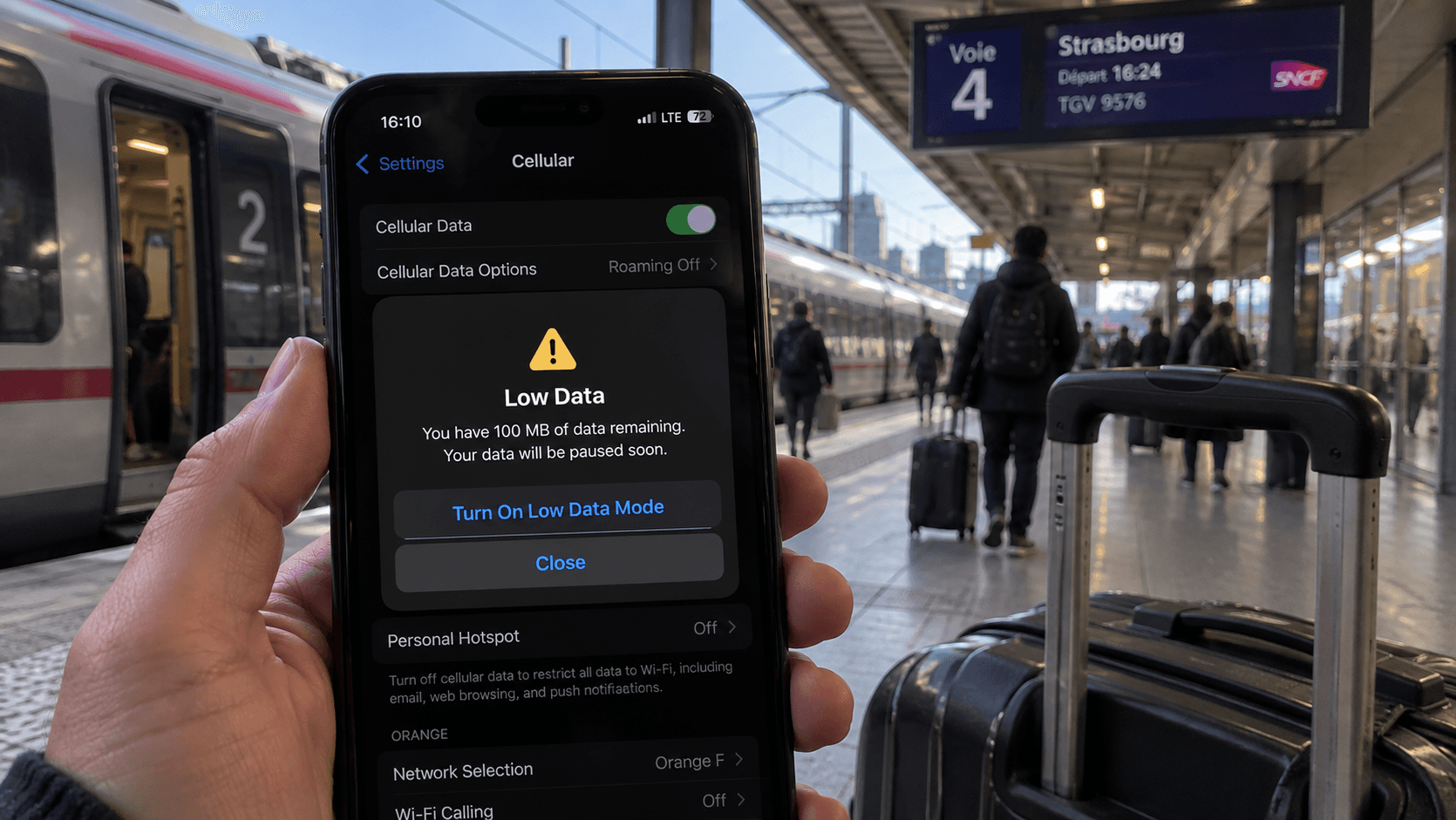
Running low abroad feels worse than it is. The profile on your phone is fine; it is the allowance attached to it that has run down, and that can be refilled without touching the installation.
What a top-up does
It adds data to the eSIM you already have. No new QR code, no second profile, no reconfiguring which line carries data. The phone does not need to know anything changed.
That matters more than it sounds. Buying a second plan means a second profile competing for space and a second line to manage, and phones hold a limited number of profiles.
What you need
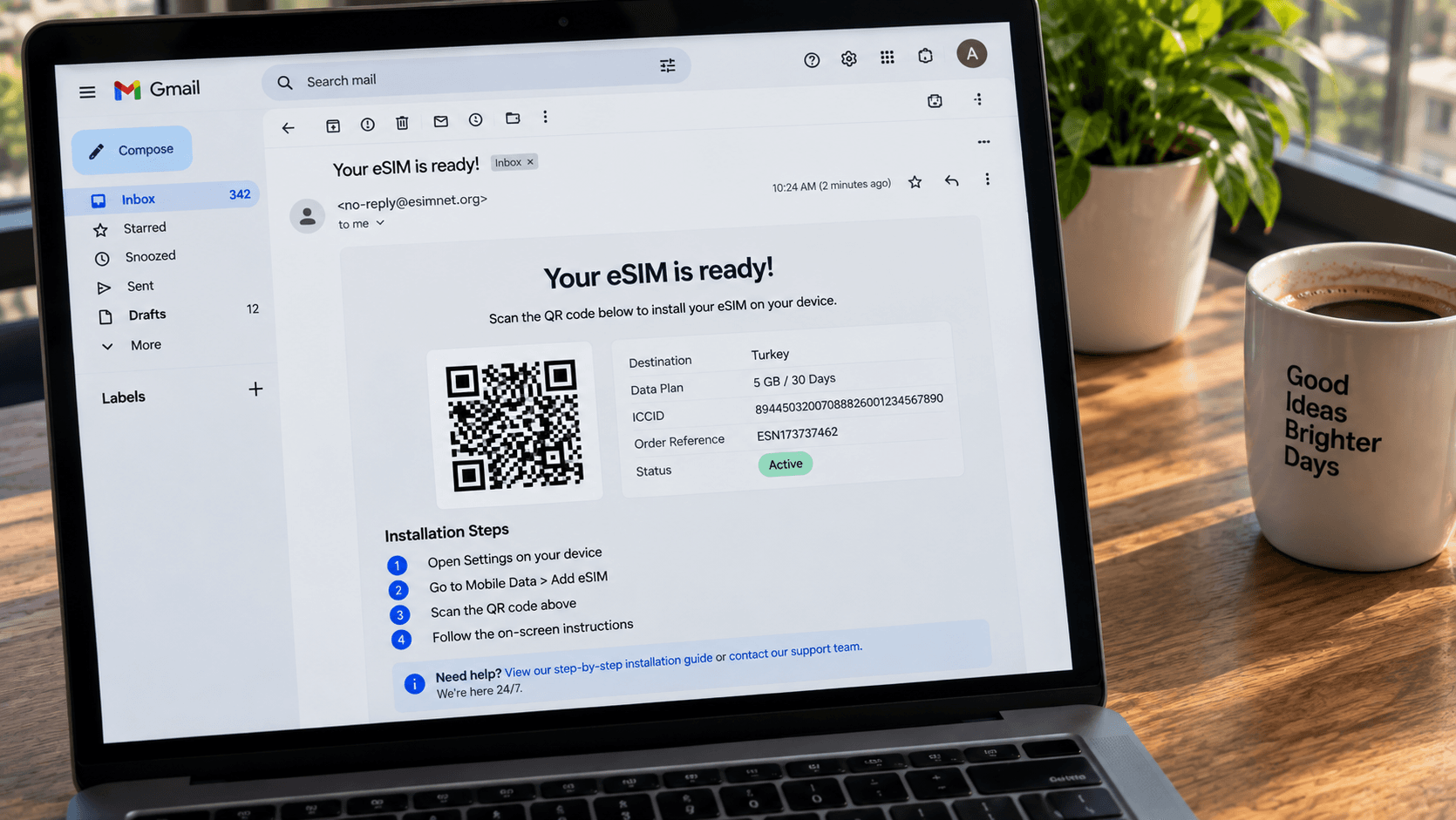
- Your ICCID — the eSIM's identifying number. It is in your delivery email, and on the phone under your cellular settings for that line.
- Or the email address you used when you bought it.
- A connection, which is the catch. See below.
Go to the top-up page, identify the eSIM, choose an amount, and pay. The new data attaches to the existing plan within a minute or two.
The obvious problem, and how to avoid it
Practical version: check your usage every couple of days. On iPhone, Settings → Cellular shows per-line usage; on Android it is under your network settings. If a third of the trip is left and a third of the data is not, top up from the hotel that evening.
When a top-up is not the answer
- The validity period has ended. A top-up adds data to a live plan. An expired plan needs a new one.
- You have moved outside the coverage area. More data on a plan that does not cover where you now are does not help.
- The plan does not support top-ups. Not all do — the plan page says so.
- You have a lot of trip left. Sometimes a fresh, larger plan is better value than a stack of small top-ups.
Not running out in the first place
- Size the plan properly. Most travellers use 300–700 MB a day. The per-activity numbers are here.
- Set photo backup to Wi-Fi only. A week of holiday photos is gigabytes.
- Turn off autoplay video in social apps — the single biggest saving available.
- Download offline maps before you fly.
- Consider unlimited for trips over a week. It usually costs less than the top-ups it replaces.
If the data does not appear
Give it a couple of minutes, then toggle airplane mode to force the phone to re-check with the network. If it still has not arrived, contact us with the top-up order reference. And if the connection itself is the problem rather than the allowance, work through the troubleshooting order.