Public Wi-Fi advice has aged badly. A decade ago much of the web travelled unencrypted, and anyone sharing a café network could read a surprising amount of what you were doing. That was a genuine emergency, and it produced a generation of warnings that are still repeated.
The web changed underneath the advice. The overwhelming majority of traffic is now encrypted end to end by default, and browsers actively warn about anything that is not. Most of the old attack simply does not work any more.
That is not the same as "public Wi-Fi is safe". It means the risks moved.
What is mostly solved
| Old risk | Status |
|---|---|
| Reading your passwords in transit | Encrypted. Login forms are HTTPS everywhere. |
| Reading your email and messages | Encrypted, and messaging apps add their own layer. |
| Session hijacking from the next table | Largely closed by HTTPS and modern cookie handling. |
| Injecting content into pages you visit | Blocked on encrypted connections. |
The thing to check is the padlock, which your browser now shows by default and complains loudly about when it is missing.
What is still real
Networks that are not what they claim to be
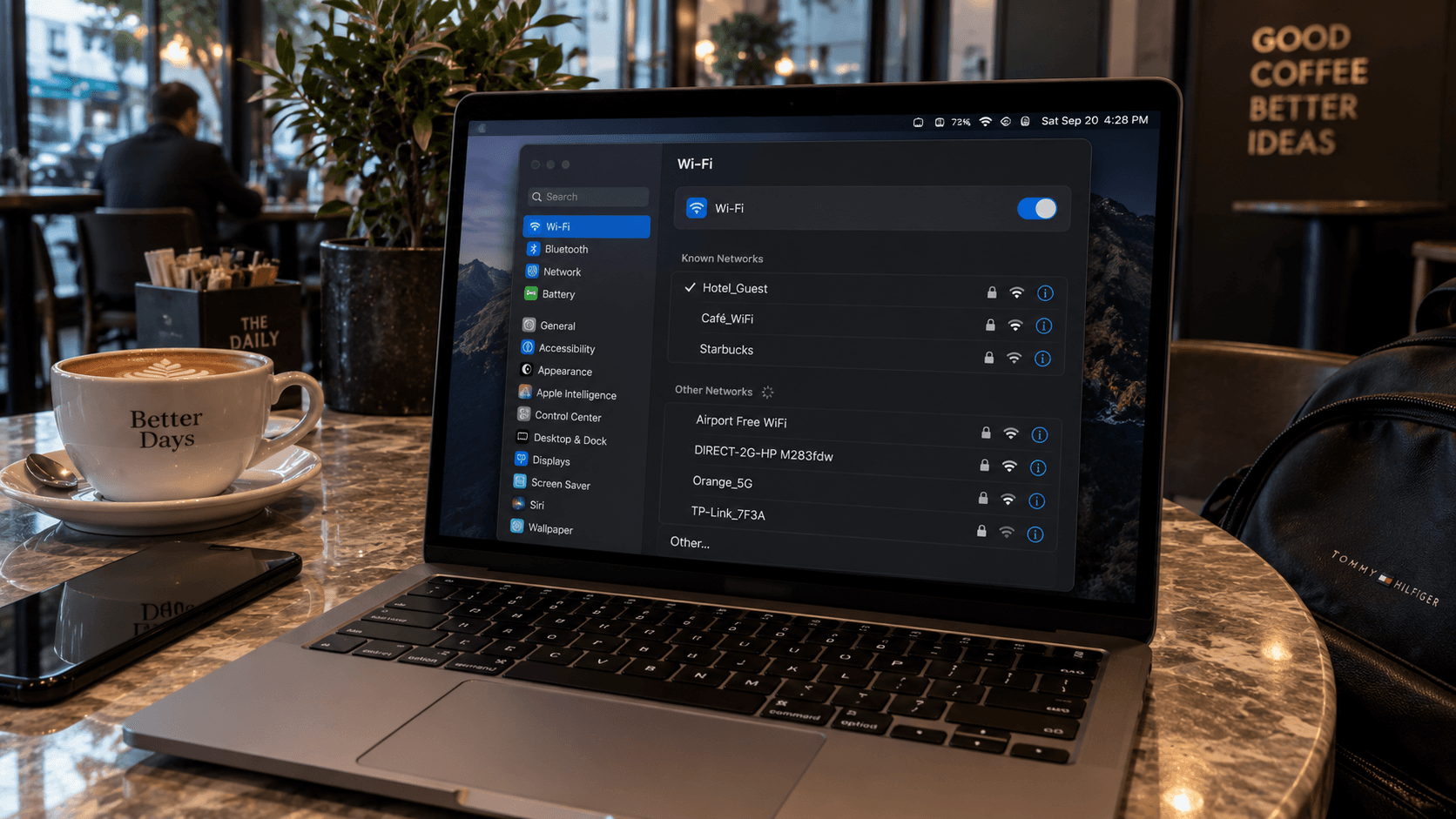
Anyone can name a wireless network anything. "Airport_Free_WiFi" in an airport is trivially easy to run from a bag. Joining one does not hand over your encrypted traffic, but it does let the operator see which services you connect to, and it puts a convincing sign-in page in front of you.
Check the network name against official signage. When there are two plausible options, ask someone who works there.
Captive portals that ask for too much
A sign-in page is the one part of the experience the network operator fully controls, and some collect far more than a Wi-Fi session needs. A portal asking for your name, date of birth, passport number or card details is collecting data, not authenticating you.
Never enter payment details on a captive portal. If a network genuinely requires payment, pay through the provider's own site, not the intercept page.
Metadata
Even when content is encrypted, whoever runs the network sees which services you contacted and when. A hotel cannot read your messages; it can see that you use a particular messaging service, a particular bank, a particular dating app. In some countries that log is retained, and in a few it is accessible to more people than you would expect.
The device, not the network
File sharing left switched on, an unlocked laptop at a café table, a shoulder looking at a screen in a departure lounge. These are the ones that still work, and none of them are fixed by a VPN.
Where a VPN genuinely helps
A VPN hides your traffic metadata from the local network and moves the point of visibility to the VPN provider. That is a real benefit if you do not want a hotel or a country's public network logging which services you use — and it is a transfer of trust, not an elimination of it.
It is worth having. It is not the difference between safe and compromised that the marketing implies, because HTTPS already does the heavy lifting.
A short, honest list of habits
- Verify the network name against official signage before joining.
- Turn off automatic joining of open networks — it is how phones end up on networks nobody chose.
- Never enter payment or passport details on a captive portal.
- Turn off file sharing and set the firewall to public on a laptop.
- Use two-factor authentication everywhere. It is worth more than any network precaution.
- For anything sensitive, use your own mobile data instead.
The simplest answer
Your own connection removes the entire category. A mobile data connection is not shared with the room, has no captive portal, and does not need to be identified correctly before you trust it. That is a side benefit of a travel eSIM rather than the reason to buy one, but it is a genuine one — and it is why the useful version of "avoid public Wi-Fi" is "have an alternative".