The difference between travelling and working while travelling is not the amount of data. It is that a failure has a deadline attached. Losing connectivity on holiday is an inconvenience; losing it forty minutes into a client call is a different category of problem.
The rule: two independent connections
Primary and backup, from different sources, so one failure does not take both.
- Primary: the apartment or coworking Wi-Fi. Fast, unmetered, fine when it works.
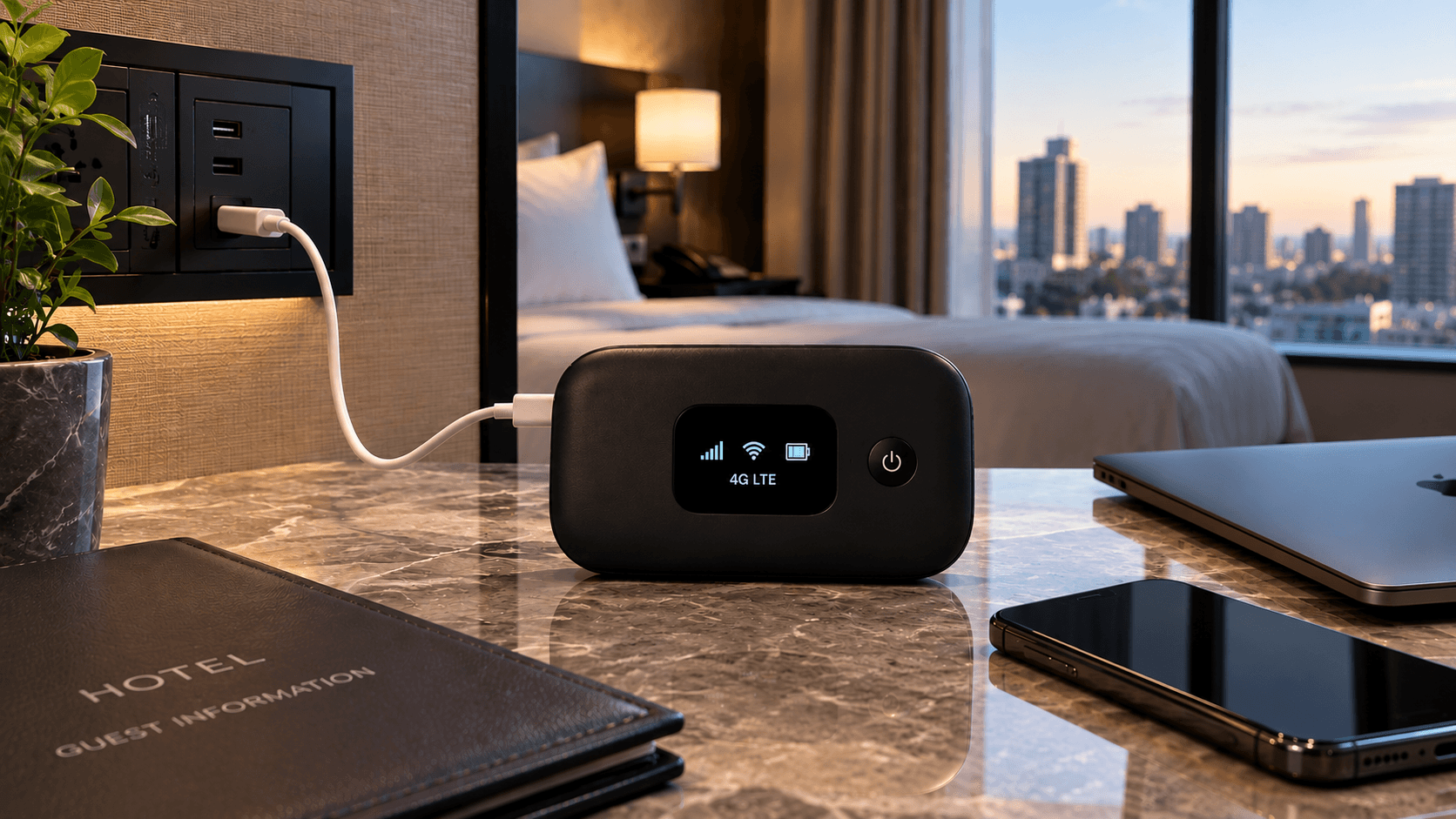
- Backup: mobile data on an eSIM with enough allowance to run a video call, and a phone that can tether.
The backup is not theoretical. Wi-Fi fails in ordinary ways — a building outage, a router someone unplugged, a neighbour saturating a shared line at 9pm. Having a second path is the difference between rescheduling and not.
Budgeting data for work
| Activity | Roughly per hour |
|---|---|
| Video call, camera on | 500 MB – 1 GB |
| Video call, camera off | ~150 MB |
| Screen sharing | ~300 MB |
| Email, docs, chat | ~50 MB |
| Cloud sync (background) | Unpredictable, often large |
Two hours of camera-on calls can be two gigabytes. If mobile data is your backup rather than your primary, size the plan for a bad week rather than an average one — an unlimited plan usually costs less than the top-ups you would otherwise buy.
Upload speed is the number nobody quotes
Rental listings advertise download speed. Video calls, file transfers and screen sharing are limited by upload, and many connections are wildly asymmetric — 100 Mbps down and 5 Mbps up is common, and 5 Mbps up is a shaky call once somebody else in the building starts a backup.
Run a speed test in the first hour and look at the upload figure. If it is under about 3 Mbps, plan to use mobile data for calls.
Checks for a new place
- Speed test — upload as well as download.
- Test from where you will actually sit, not from beside the router.
- Make a short video call to confirm it holds, before you need it to.
- Find the router, in case a restart is needed at an unsociable hour.
- Check mobile signal indoors — thick walls defeat a lot of otherwise fine coverage.
- Identify a fallback: a café, a coworking space, a library.
Security when you work on other people's networks
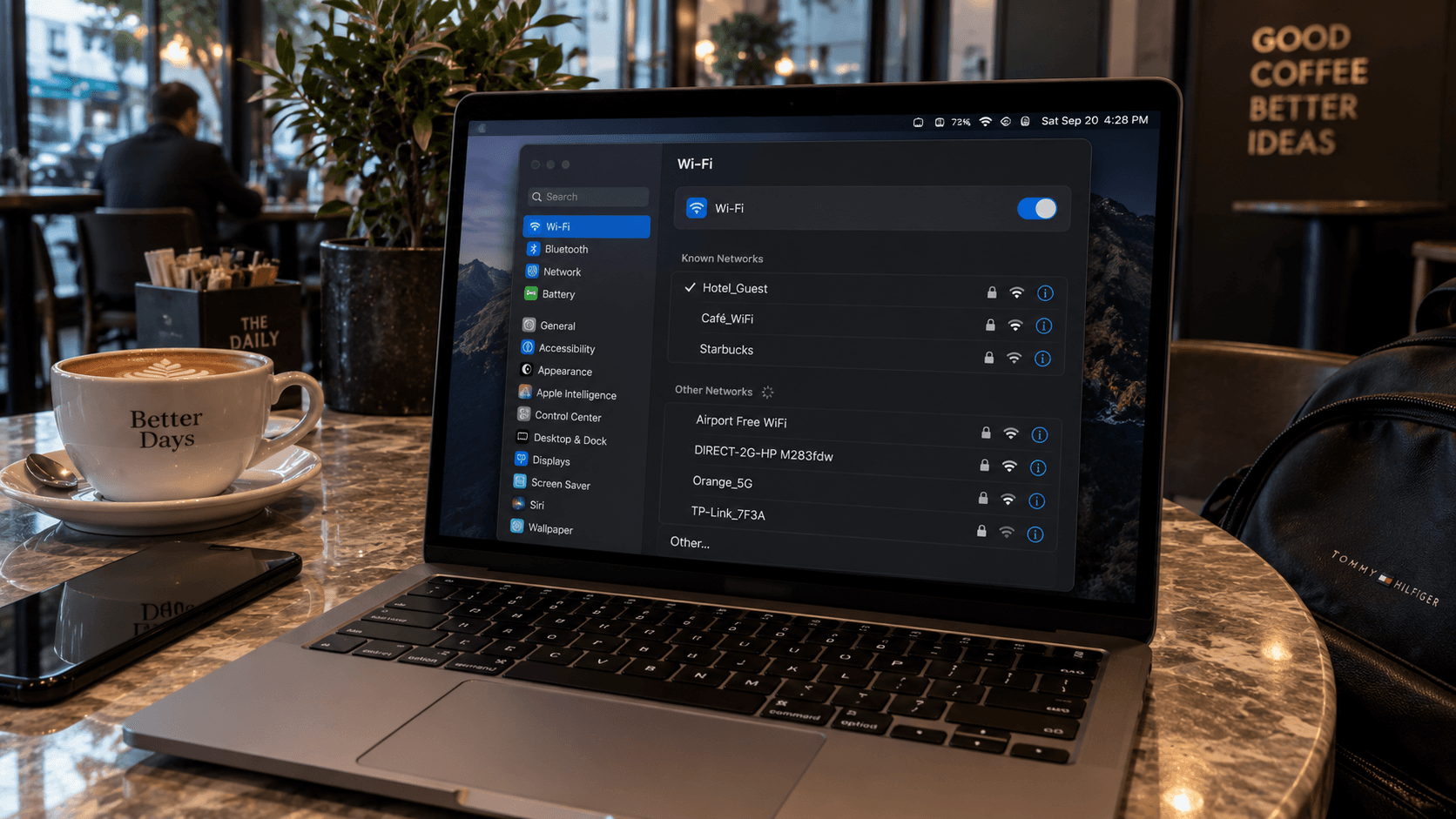
Coworking and café networks are shared infrastructure with unknown administrators. Web traffic is encrypted by default now, which covers most of the risk, but the sensible habits still apply: a VPN for work systems if your employer provides one, no file sharing enabled, full disk encryption, and a screen lock that actually engages when you go to the counter.
What public Wi-Fi actually exposes separates the real risks from the marketing.
Longer stays
Past a couple of months, a local SIM or contract usually beats travel plans on price and often on allowance. Travel eSIMs are built for weeks, not seasons. The sensible pattern is a travel eSIM for the first days while you find your feet, and a local arrangement once you know you are staying.