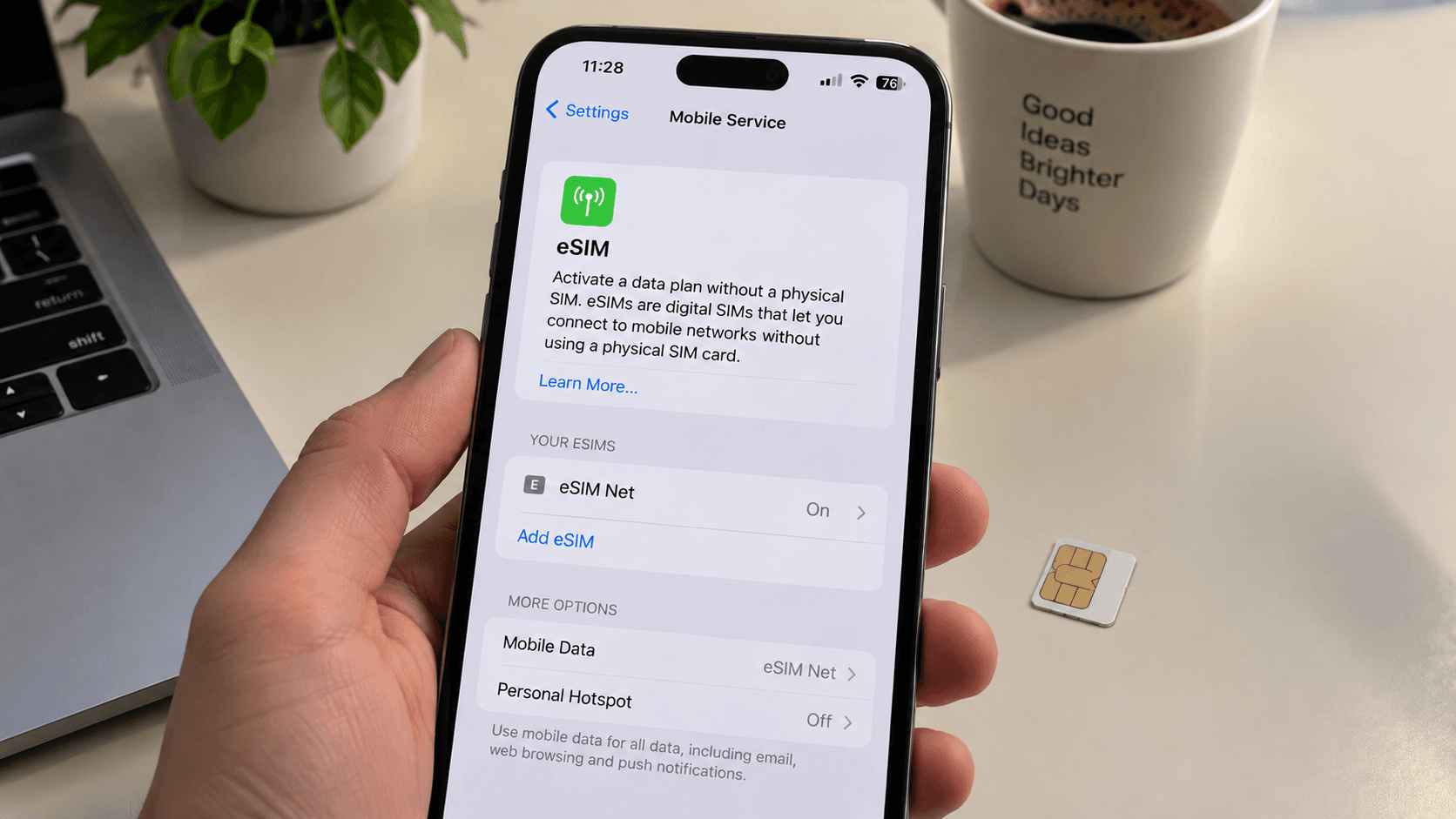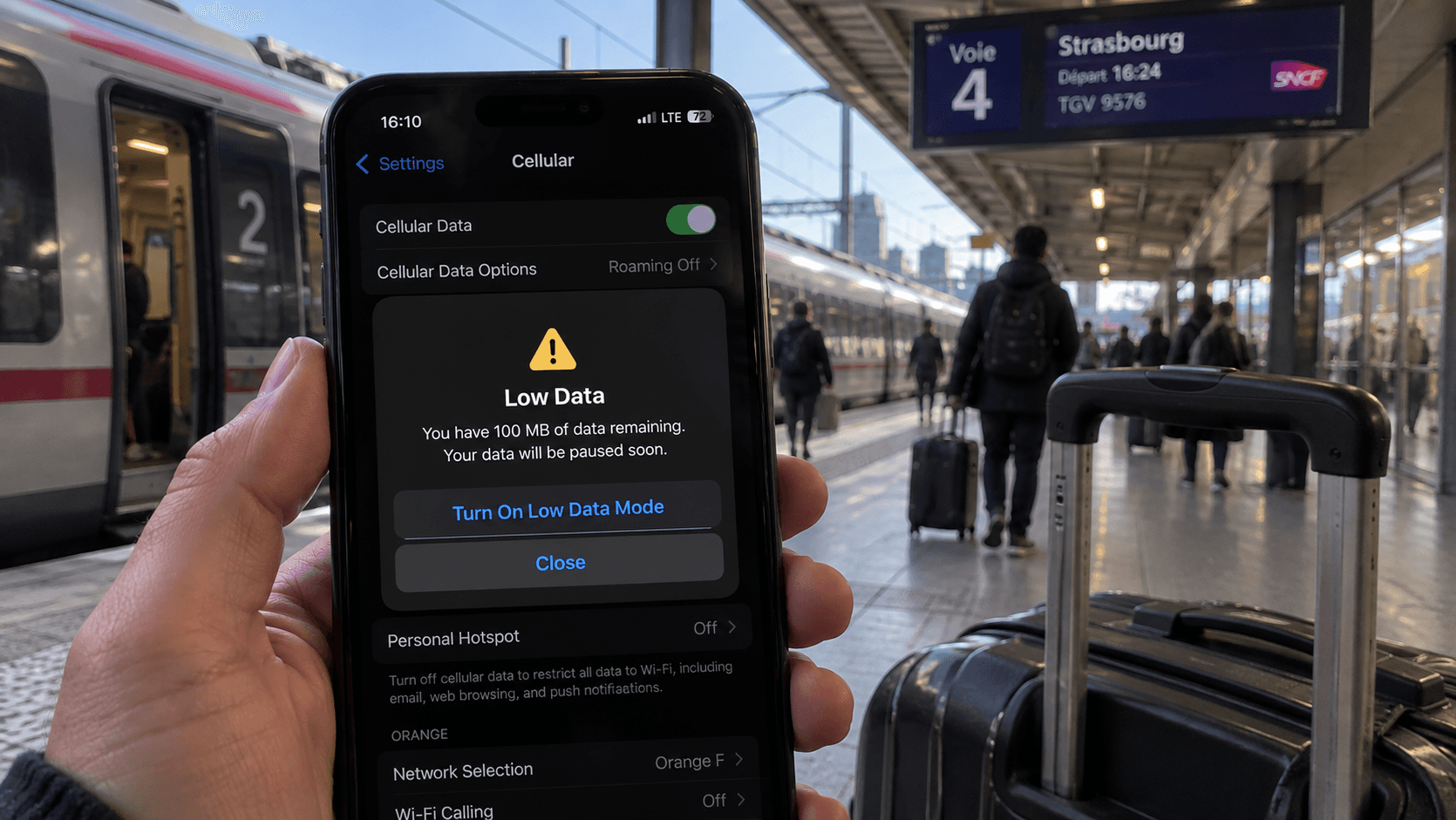
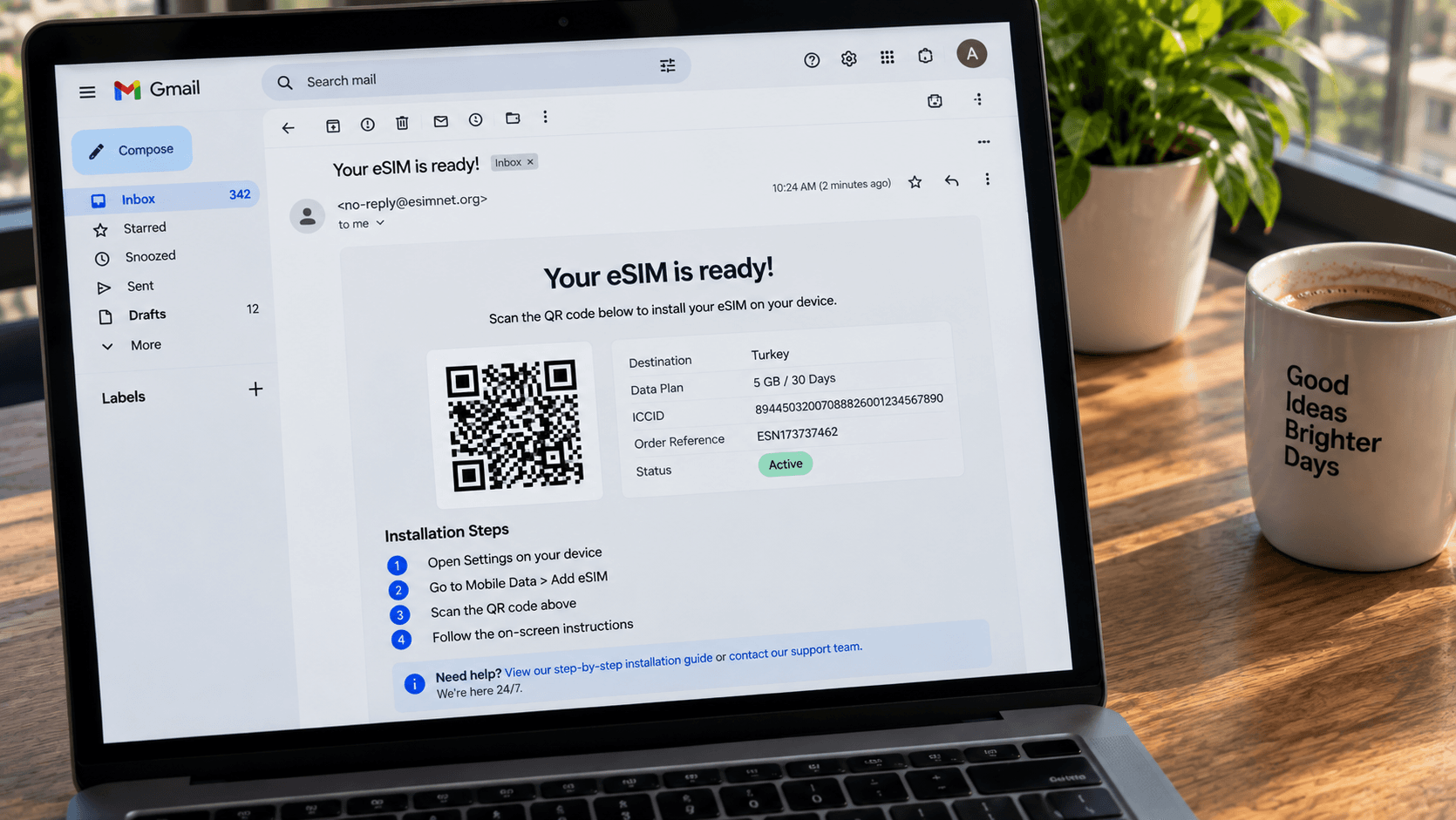
Most of what a travel eSIM platform does is invisible and should stay that way. This is what the visible part looks like, so you know what to expect and what a problem looks like when it is not one.
The sequence
- You choose a destination and a plan. Each plan page lists the data, the validity period, the countries covered and any daily cap.
- You pay. The order is recorded before anything else happens, so there is always a record to point at.
- We request the eSIM. The profile is created for your order specifically.
- We generate your QR code. eSIM Net produces the code you scan.
- We email it to you. Usually within a minute of payment.
From your side that is one step — pay, check email. The order-first sequence matters when something is slow: the order exists from the moment you pay, whatever happens after.
What the email contains
- A QR code to scan from another screen.
- An install link, for installing directly on the phone that received the email — no second device needed.
- Manual details (an SM-DP+ address and activation code) for the rare case where neither works.
- The plan specifics: data, validity, coverage.
- Your order reference. Quote it if you ever need to contact us.
When the plan starts
Not when you buy, and not when you install. Most travel plans begin when the eSIM first connects to a network in the destination. That is why installing at home days before the trip costs nothing, and why we recommend it — it moves the one step that could go wrong to a moment when you can do something about it.
Validity is a period as well as an allowance. A plan can expire on a date with data still on it, so check both against the length of your trip.
If the email has not arrived
- Check spam and promotions. This is the answer most of the time.
- Check the address you used at checkout, particularly if you paid through a wallet that supplies its own email.
- Give it a few minutes. Delivery is normally under a minute but provisioning occasionally takes longer.
- [Contact us](/contact-us) with your order reference. Every order is recorded, so there is always something to find.
Refunds
Refunds are available on unused eSIMs. Once data has been used the plan is not refundable, which is the ordinary rule for consumable digital goods. If an eSIM was installed but never carried data, write to us and we will look at it. The full terms are on the refund policy page.
After it is working
Running low mid-trip is not a restart — you can add data to an existing eSIM without reinstalling. And if it will not connect in the first place, work through the fixes in order rather than deleting the profile.